
Ad-free listening
Premium is designed to remove music advertising from supported listening sessions, giving playlists and albums a more continuous flow.
Explore Spotify Premium features, plan basics, offline listening, audio quality, device support, playlists, discovery, and practical safety advice in one clear resource.
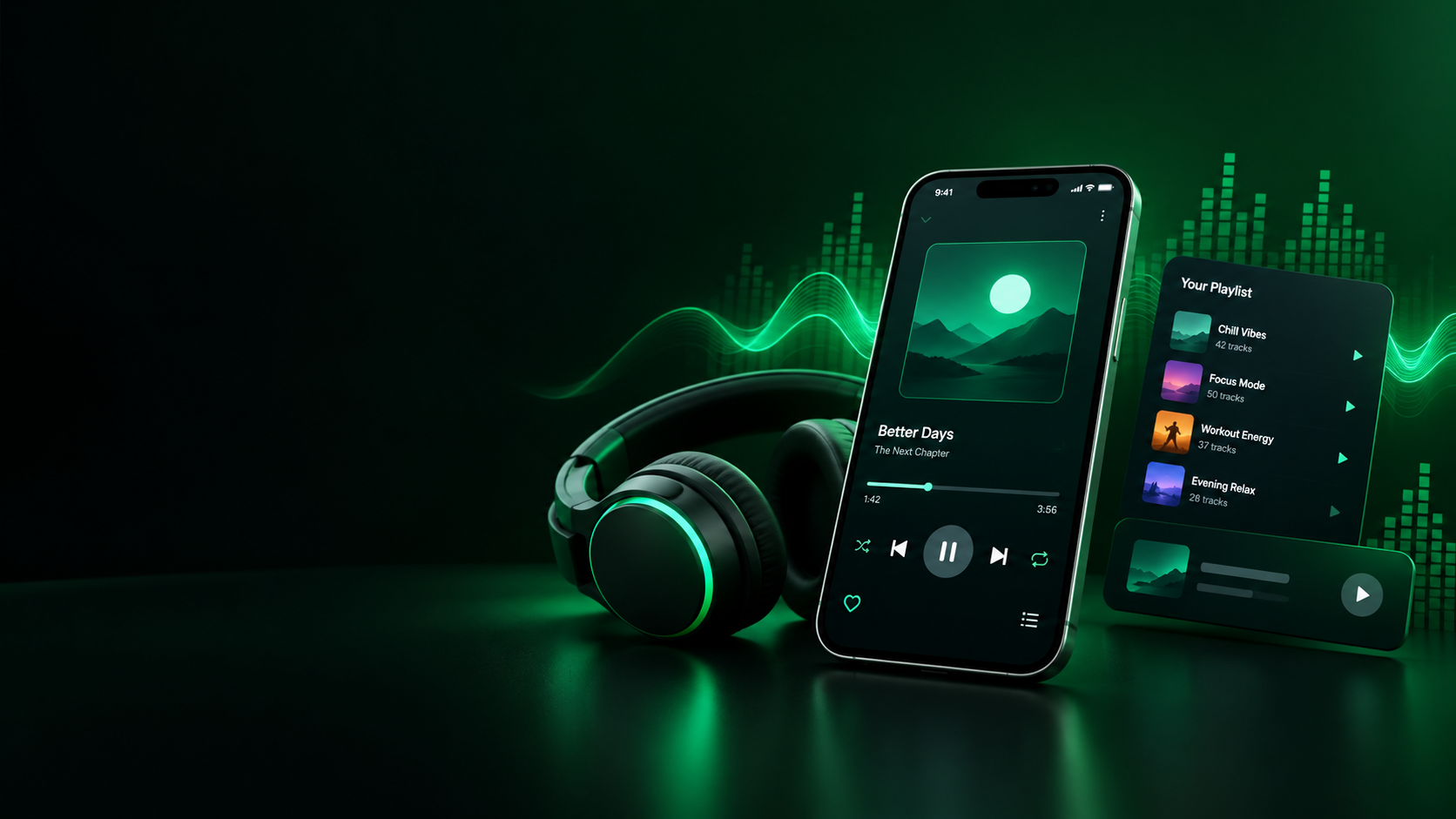
Spotify Premium is more than an ad-free switch. For many listeners, the value comes from a combination of playback control, offline access, audio settings, device flexibility, personal discovery, and a smoother way to use music throughout the day.
This page brings those topics together so you can understand what Premium is designed to provide, how different plan choices fit different households, and why unofficial APK claims deserve extra care. The goal is not to push a download or promise features that a third-party app cannot reliably deliver.
If you arrived here after searching for Spotify Premium APK, cracked Spotify, Spotify Premium download, or an unlocked music app, begin with the difference between an official service and a modified application. That distinction affects account safety, updates, reliability, privacy, support, and the long-term stability of your listening setup.
Premium is designed to remove music advertising from supported listening sessions, giving playlists and albums a more continuous flow.
Eligible Premium users can download supported music for offline playback, which is useful when mobile data or connectivity is limited.
Premium gives listeners more control over song selection and queue behavior than the free experience in supported contexts.
Premium plans can provide higher-quality playback, with availability and settings depending on account, device, region, and current service features.
Recommendations, mixes, playlists, and listening history can make it easier to discover artists and tracks that match your habits.
A single account can be used across supported phones, computers, speakers, cars, televisions, and other compatible listening devices.
The biggest difference is usually convenience rather than simply a longer feature list. A listener who spends several hours each day with music may notice the value of uninterrupted playback, better control, offline access, and fewer limits much more than someone who listens occasionally.
Free listening can still be useful for discovering artists, creating playlists, and deciding whether Spotify fits your habits. Premium becomes more relevant when interruptions, mobile data, travel, background listening, or precise song selection start to affect the experience.
Premium should also be viewed as a service rather than a single setting. The experience includes your account, playlists, saved music, devices, recommendations, plan eligibility, and the official application environment that keeps those pieces connected.
Choosing Premium does not need to be complicated. Think about the way you actually listen: whether you need offline playback, how often you use mobile data, how important uninterrupted music is, and whether you share listening with other members of a household.
The table below gives a simple high-level comparison. Exact features can vary by country, device, account type, and changes made by Spotify, so treat it as a decision framework rather than a permanent specification sheet.
| Area | Spotify Free | Official Premium | Modified APK claims |
|---|---|---|---|
| Official distribution | Yes | Yes | No |
| Ad-free music | Limited | Supported | Claimed by third-party sources |
| Offline downloads | Limited or plan dependent | Available for eligible Premium use | Claims vary |
| Official support | Yes | Yes | No |
| Security assurance | Official channel | Official channel | Depends on source |
| Account and billing controls | Official | Official | Not guaranteed |
Features, prices, trials, eligibility, and availability may change over time and can differ by country.
Ad-free listening is one of the easiest Premium benefits to understand. Instead of music sessions being interrupted by supported advertising, your listening can move from track to track with less friction, which matters when music is part of a long work session or daily routine.
Playback control is another major part of the Premium experience. Listeners often want to choose a particular song, replay a track, build a queue, or move through an album in a specific order, and supported Premium controls make those actions more flexible.
The practical benefit grows when several controls work together. A carefully built playlist can start at the right song, continue without unwanted interruptions, and remain available on devices that you use across different parts of the day.
These features are especially useful for people who use music as a background for study, exercise, driving, creative work, household tasks, or relaxation. The point is not that Premium is necessary for everyone, but that regular listeners can benefit from removing repeated friction.
To see a more focused breakdown, visit Premium features explained. That page is designed as a quick reference when you want to check a specific capability without reading the entire guide.
Offline listening is valuable because internet access is not equally reliable everywhere. A train journey, long road trip, weak indoor signal, expensive mobile data plan, or temporary network problem can make online streaming less convenient than expected.
With eligible Premium access, supported music can be downloaded before you leave a reliable connection. The smart approach is to prepare your most important playlists and albums in advance instead of assuming that every song will be available at the exact moment you need it.
Offline listening also changes how you should think about storage. Large libraries can consume substantial device space, so download only what you actually use and review stored content when your phone or computer begins to run short on capacity.
Battery use can matter as well. Local playback can reduce repeated network activity, although your device still uses power for audio processing, screen activity, Bluetooth, and other background services.
A useful habit is to create a small travel collection, a daily collection, and a longer emergency collection. Keep the first two fresh, and update the third before trips or situations where internet access may be unreliable.
Our offline listening guide covers downloads, storage, practical limits, and the difference between preparing music for offline use and simply saving a playlist to your library.
Higher audio quality can be attractive, but the best setting is not always the highest available option. Your headphones, speakers, connection, listening environment, and personal sensitivity all affect whether a change is noticeable.
Quality settings can also affect data consumption. If you stream for many hours while using mobile data, a higher setting can increase network usage, so it makes sense to match quality to the situation instead of using one setting everywhere.
Storage matters for offline downloads too. Higher-quality files can require more space, which means a phone with limited storage may benefit from a selective download strategy.
Lossless listening, where available on eligible Premium offerings and supported devices, is another topic that creates confusion. Lossless does not automatically mean that every listener will hear a dramatic difference, and the complete playback chain matters.
The practical goal is simple: choose a quality level that sounds good on your equipment, fits your data plan, and leaves enough storage for the content you actually want. Our audio quality guide explains these trade-offs in more detail.
Premium plans are easier to compare when you start with household needs instead of price alone. An individual plan is straightforward for one person, while student, Duo, and Family options are designed around different eligibility or sharing arrangements.
Student offers normally depend on eligibility requirements and verification. If you are considering one, check the current terms for your country and keep in mind that promotional offers can change.
Duo can make sense when two people need separate accounts and independent listening habits. Family can be more useful for a larger eligible household where each person wants a separate profile and personal library.
Separate accounts matter because music taste is highly personal. Shared access does not need to mean a shared recommendation history, playlist library, or listening profile when the service provides separate member accounts.
Prices and promotional terms can change by region, so avoid relying on old screenshots or third-party lists. Read the current Premium pricing guide when comparing cost, and use the student plan guide if student eligibility is the main question.
For households, the Duo and Family guide explains the practical differences and the questions worth checking before selecting a plan.
The phrase Spotify Premium APK is often used for modified Android packages that claim to unlock paid features without an official subscription. The attraction is understandable, especially when a search result promises unlimited skips, no ads, downloads, or premium controls at no cost.
The problem is that an APK is software, not a guarantee. A modified package can be repackaged, altered, outdated, bundled with unwanted components, or distributed through a site that you know very little about.
Security risk is not limited to the application itself. A suspicious download page may also use aggressive redirects, misleading buttons, fake update notices, notification permissions, or requests for information that a music application does not genuinely need.
Account risk is another consideration. If a modified application interacts with your account credentials or session information, you are trusting an unofficial build with access to a service account that may contain playlists, profile data, and other personal information.
There is also a reliability problem. Modified applications can stop working after service changes, may break after an Android update, or may produce inconsistent behavior because the package is not maintained through the same official update channel.
For those reasons, the safest approach is to treat a mod APK as an untrusted software package rather than as a free version of Premium. Our safe APK practices page provides a security-first checklist, while the Spotify Premium APK guide explains the common claims and what they mean.
Official software has a predictable update path. When Spotify changes its service, an official application is designed to receive compatible updates through normal distribution channels rather than relying on a third-party developer to rebuild a modified package.
Official access also keeps billing and account controls in the same ecosystem. If a payment issue, login problem, device authorization issue, or account setting needs attention, you have a normal route for resolving it.
Modified apps may appear attractive because their feature lists are written around unlocked functions. The missing part of many such comparisons is the cost of uncertainty: no dependable support, unclear provenance, uncertain privacy practices, and no guarantee that a claimed feature will continue to work.
Security is therefore part of the feature comparison. A free application that creates account or device risk can become more expensive in time and consequences than the subscription it was intended to replace.
Use our official versus modified apps guide for a simple side-by-side explanation. It focuses on reliability and practical decision-making rather than treating unofficial software as equivalent to the official service.
A strong listening setup is usually less about one perfect device and more about continuity between devices. You might begin a playlist on your phone, move to a computer at work, continue through a speaker at home, and later listen through a car system.
Android users should pay attention to official installation channels, app permissions, storage, battery optimization, and operating system compatibility. If you are researching APK installation specifically, use a security-first mindset and avoid assuming that a familiar logo means a download is authentic.
On iPhone and iPad, installation is normally tied to the official application distribution system. The bigger questions are account access, plan status, downloads, storage, and how your headphones or speakers connect to the device.
Windows users may prefer desktop listening for long work sessions. A larger screen can make playlist organization, queue management, library navigation, and multitasking more comfortable than a small phone display.
Device switching is also useful when your listening environment changes. The best setup is one where your account and library remain consistent while the playback device changes around you.
Read the Android safety guide, iPhone and iPad guide, or Windows PC guide when you want device-specific advice.
A large music library becomes useful when it is organized around how you actually listen. Instead of putting everything into one giant playlist, create collections with clear purposes such as morning music, focused work, exercise, travel, relaxing evenings, and favorite albums.
Keep playlist names short and descriptive. A simple title can make a collection easier to recognize on a phone, computer, speaker, or car display.
It also helps to maintain a few flexible discovery playlists. These can hold new tracks that you have not fully judged yet, giving you a place to collect interesting music without immediately mixing every experiment into your permanent favorites.
Regular cleanup is more valuable than perfect organization. Remove songs you always skip, split playlists that have become too broad, and keep a small collection of tracks that you genuinely want to hear again.
Collaborative and shared listening can add another layer of fun. When several people contribute, agree on a simple theme or mood so the collection feels intentional rather than random.
For more ideas, open the Spotify playlist tips guide. It covers practical ways to structure collections and make discovery more useful.
Music is often social even when everyone is listening from a different place. Shared listening features can make it easier for friends or family members to contribute tracks, react to the direction of a session, and discover music together.
The value of a shared session is not simply the number of participants. A good session has a clear mood, reasonable volume, and a playlist direction that gives everyone some room to contribute.
When multiple listeners control a collection, the queue can change quickly. That is part of the fun, but it also helps to agree on basic etiquette, especially when the group is listening during a party, road trip, study session, or shared workspace.
Use separate personal playlists for your long-term library and shared sessions for temporary group choices. That keeps your personal recommendations and collections cleaner while still allowing social discovery.
The Spotify Jam and shared listening guide explains the basic idea and practical ways to make group listening more enjoyable.
Personalization is one of the most useful parts of a streaming service because the size of the catalog can make manual discovery difficult. Recommendations use signals from your listening behavior to surface artists, tracks, mixes, and playlists that may fit your taste.
Your listening history therefore has practical value. Repeatedly playing a style you enjoy can help the system understand your interests, while exploring unrelated genres can broaden the recommendations it presents.
Do not treat recommendations as a perfect representation of your taste. Algorithms work from signals and patterns, so your own playlists and deliberate exploration remain important if you want a balanced music library.
DJ-style personalization can be useful when you want a hands-off session. Instead of choosing every next track yourself, you can let the service create a more continuous listening flow based on your preferences.
For a deeper look, read the Spotify DJ and personalization guide. If you are interested in your listening history and yearly summaries, the Wrapped and discovery guide covers the broader idea.
Value is personal. A listener who uses Spotify for several hours each day may place a high value on uninterrupted playback and offline access, while someone who listens occasionally may be perfectly satisfied with free access.
Start with frequency. If Spotify is part of your daily routine, small improvements can add up across weeks and months, especially when the same frustrations repeat again and again.
Next consider travel and connectivity. If you often spend time without reliable internet, offline listening can be more useful than a feature that looks impressive on a comparison chart but rarely changes your routine.
Then consider household use. If several eligible people need separate accounts, a multi-member plan may make more practical sense than separate individual arrangements, but the current regional terms should always be checked before a purchase.
Finally, consider the cost of unreliable alternatives. An unofficial APK can appear free, but time spent troubleshooting, reinstalling, recovering an account, or dealing with unwanted software is a real cost even when no money changes hands.
Use the Premium pricing guide for a broader framework, and remember that prices and promotional offers can change.
Keep your account details private and avoid entering credentials into pages that you reached through suspicious download buttons. A music service should not require you to hand your account information to an unrelated APK distribution site.
Use strong, unique account credentials and review account activity when something feels unusual. If you notice unexpected behavior, change your credentials through the normal account process rather than trying several unofficial applications in the hope that one will work.
Keep your operating system and official application updated. Updates can include compatibility improvements, bug fixes, security improvements, and support for changes in the service.
Manage downloads deliberately. Offline music is useful, but keeping every playlist downloaded can waste storage and make it harder to identify the content you actually need.
Review audio settings according to the situation. Higher quality can be useful with good equipment and a stable connection, while a more conservative setting may make sense for mobile data or limited storage.
Finally, organize your library around real behavior rather than chasing perfection. A small number of useful playlists is often easier to maintain than dozens of collections that you rarely open.
The best listening setup is one that reduces small annoyances before they become repeated problems. Spend a few minutes organizing the music you use most, preparing important downloads, checking audio settings, and making sure your devices are ready for the places where you normally listen.
Start with a short list of essential playlists. One can cover daily favorites, another can support focused work or study, another can fit exercise, and another can hold travel music. Keeping these collections distinct makes it easier to choose the right mood without searching through hundreds of tracks every time.
Next, prepare for weak connectivity. Before a long trip, download the albums and playlists you genuinely expect to use, confirm that the downloads are present, and leave enough storage for normal phone activity. This simple habit is more dependable than waiting until you are already offline.
Think about device roles too. Your phone may be the main discovery device, a computer may be better for playlist editing, and a speaker or car system may be best for long playback. Keeping one account and an organized library across supported devices reduces the need to duplicate your work.
Use audio settings with intention. If you have a strong connection and quality headphones, a higher setting may make sense, while mobile data or limited storage may call for a more conservative choice. The right setting is the one that matches the environment rather than the one with the biggest number.
Discovery should remain deliberate. Recommendations can introduce artists you might enjoy, but do not let automated suggestions replace your own curiosity. Search for genres outside your normal habits, listen to complete albums, explore older releases, and save the tracks that genuinely stand out.
Social listening can follow the same principle. Shared sessions are more enjoyable when participants know the mood or purpose of the playlist, while personal playlists remain useful for music that only you want to hear. Separate these two roles so group activity does not overwhelm your personal library.
Security should be part of the routine as well. Keep your official applications updated, avoid suspicious download pages, do not reuse important passwords, and treat unexpected login requests or strange app behavior as warning signs rather than minor inconveniences.
When a third-party page promises every Premium feature for free, ask what you are giving up in exchange for that promise. An unofficial package may remove one visible restriction while introducing hidden uncertainty around privacy, account access, updates, or device stability.
Finally, remember that music technology should serve your routine. Premium can be useful when its supported features solve real problems in your day, while free listening may remain the better choice when those problems rarely occur. A clear understanding of your habits will usually produce a better decision than a long list of marketing claims.
Start with Premium features explained if you want a focused list of the major listening benefits. Move to safe APK practices when your main concern is software safety and unofficial download claims.
If your search began with the phrase Spotify Premium APK, read the Spotify Premium APK guide and then compare it with the official versus modified apps guide. These pages explain why an advertised unlocked feature is not the same thing as a supported Premium feature.
For everyday use, the offline listening guide and audio quality guide cover two of the most practical settings. For plan questions, use the student plan guide, Duo and Family guide, and Premium pricing guide.
Device-specific readers can use the Android safety guide, iPhone and iPad guide, and Windows PC guide. Music organization readers can explore playlist tips, shared listening, DJ and personalization, and Wrapped and discovery.
Return to this Spotify Premium guide when you want the full overview. The premium listening overview is another quick starting point, while the Spotify Premium basics keep the main concepts together.
You can also use the official Premium experience reference on this site when reviewing the core topics. The premium listening hub brings the main themes into one place, the Spotify plan guide keeps plan-related ideas easy to revisit, and this Premium listening resource provides a final route back to the complete overview.
Understand official Premium versus modified app claims and the risks around unofficial packages.
Read guide →
See which supported features matter most for everyday listening and device use.
Explore features →
Use a security-first checklist before installing software from an unfamiliar source.
Read safety tips →No. Spotify Premium Live is an independent informational website and is not affiliated with Spotify AB.
No. The site provides educational information about Premium features, plan choices, listening, device use, and safety. It does not host or distribute cracked applications or subscription-bypass tools.
Yes. Pricing, trials, eligibility, features, and plan structures can change by country and over time. Always consider current terms before making a subscription decision.
No. APK is an Android application package format, so the format itself is not proof of danger. The important question is whether the software comes from a trustworthy source and whether the application has been altered or bundled with unwanted components.
They are unofficial software packages with uncertain provenance and support. Depending on the source, they may create security, privacy, account, compatibility, or reliability problems.
Eligible Premium users can download supported content for offline playback. Storage, device, account, and service rules still apply.
Choose based on the number of people who need separate accounts, eligibility, listening habits, and the current price in your country. An individual plan is simple for one listener, while student, Duo, or Family options may fit specific situations.
Higher quality can improve fidelity, but the result depends on your headphones or speakers, environment, connection, and hearing. It is sensible to choose a setting that balances sound, data use, and storage.